From signup to first booking
9 steps from sign-up to a booking link you can share anywhere.
Create Your Account
Sign up and tell clients where you are.
- 1Choose Business or Artist
- 2Add your business details
- 3Set your location
Register as a Business or independent Artist. Your business location matters: clients nearby see you first in the ChicChic marketplace.
- Choose Business or Artist account type
- Set your location for nearby discovery
- Clients see you in location-based search
- Secure login, no app needed to start
Open Your Profile
This is what clients see first.
- 1Tap your profile card
- 2Tap the edit pencil
A modern salon for hair, skin and nails. Book your next look with our expert team.
 ChicChic Artist
A modern salon for hair, skin and nails. Book your next look with our expert team.
Photos & About
Show off your best work.
- 1Add up to 6 photos
- 2Add your name & about you
- 3Tap Update
Upload high-quality images of your work and your salon. Create posts, share before/afters, and link specific services directly to posts so clients can book from your content.
- Upload portfolio images & salon photos
- Create posts about your work
- Link services directly to posts
- Clients can book from your content
- Build social proof with real work
Contact Details
Username, phone & website.
- 1Tap the pencil next to a field
- 2Edit it and tap Update
ChicChic ArtistBusiness Hours
Clients can only book when you’re open.
- 1Switch days on or off
- 2Set opening and closing times
- 3Tap Update
Fill in your business details, upload your logo and salon photos, and set your operating hours. Artists set their own personal working hours per day.
- Business name, description & contact
- Set opening & closing hours per weekday
- Artists define personal working schedule
- Upload profile photo and salon images
Add Your Address
Most important: it’s how clients find you.
- 1Enter your address
- 2Check the map pin
- 3Tap Save Changes
Add Your Services
Build the menu clients book from.
- 1Tap Services
- 2Add a collection
- 3Tap Add Service
Create your service menu. Pick the right category and sub-category so clients find exactly what they need. Set prices, discounts, duration and service details.
- Choose from all 8 beauty categories
- Set service price and currency
- Add discount percentage per service
- Set service duration for calendar blocking
- Assign services to specific staff
ChicChic ArtistAdd Your Team
Let clients choose who they book with.
- 1Tap Staff Members
- 2Tap Add New Member
Businesses can add multiple staff members, each with their own profile, role and working hours. Clients can choose who they want to book with.
- Add staff with name, role & photo
- Set individual working hours per staff
- Clients book specific team members
- Staff profiles visible in your listing
- Business-only feature
ChicChic ArtistShare Your Profile
Your public booking link and QR code.
- 1Tap the QR icon
- 2Copy your link
- 3Share or download
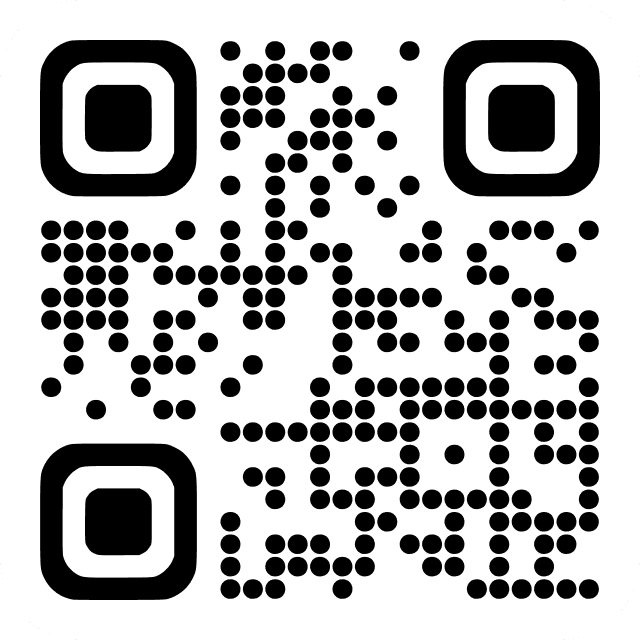
Your public profile goes live straight away with a unique bookable link. Share it on WhatsApp, your Instagram bio, Google Business or anywhere online, and clients tap to book.
- Unique bookable URL for your business
- Share on WhatsApp, Instagram, Google
- QR code for in-salon display
- Existing clients book in seconds
- Live the moment you publish
Your Profile Is Live
Clients can now find you and book from your link.
- 1Add your first service
- 2Share your link everywhere
A modern salon for hair, skin and nails. Book your next look with our expert team.
A modern salon for hair, skin and nails. Book your next look with our expert team.
Keep going, one task at a time
Short, focused guides for everything you do in your ChicChic Artist dashboard.
Ready to go live? Start free today.
No card required. Set up in under 10 minutes.